
Once you have placed your order, we will need more information from you in order to get your ads live. This information helps our team set up your campaigns quickly and without a lot of back and forth.
Walkthrough
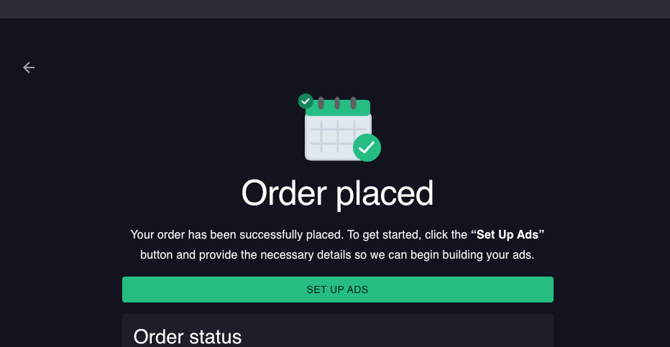
- After you have made your purchase, you will see the following screen:

- Click on Set Up Ads.
- Fill out the applicable information such as your website, campaign goals, what conversions you want to track, etc. Once you have filled out all the fields, click Submit.
- If you purchased more than one product, you will see the next product underneath. You can click on it to then fill out the information specific to that product which may differ slightly from another product. For example, the information we need to run a Display campaign is different than what we would need to run a Google SEM campaign.

- If you don't have time to fill out these fields right now, no problem! At any time you can click on your business name in the upper right-hand corner, and select My Orders.
- Here, you will see all of your orders and the products within each order as well as the status of each product. Click on the order that contains products you still need to provide information for.

- Then, click on Set Up Ads to navigate to the order information fields.
Need to update information for your ads? Easy! You can update the info at any time and click Submit. It will get sent our team.